Pickleball · Tennis · Badminton
Replay the point.
RallyCam turns your iPhone into a courtside replay camera. It keeps the latest stretch of play ready, so after a great rally you can watch it back in slow motion and save it to Photos.
For iPhone with iOS 17 or later. Apple Watch optional.
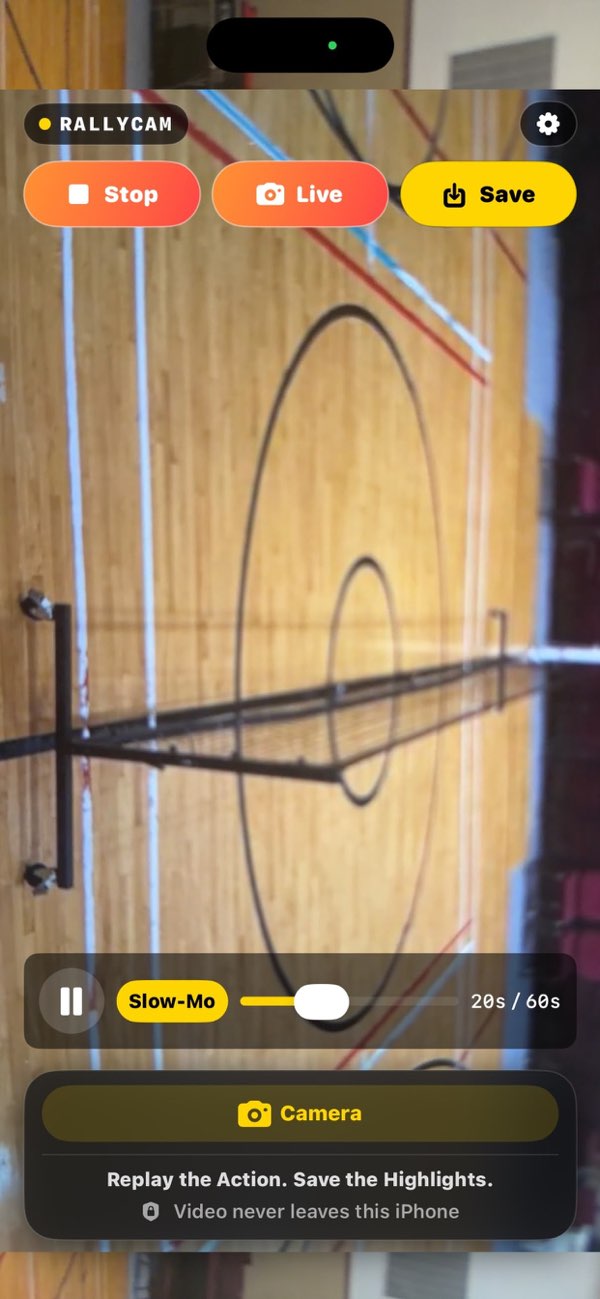
The rolling replay
The last minute of play, always ready.
While Record is on, RallyCam holds a rolling window of play. Older footage drops off as new play comes in, so nothing piles up until you save. Set the window anywhere from 5 seconds to 5 minutes.
How it works
Set it on the fence. Play your game.
-
Record
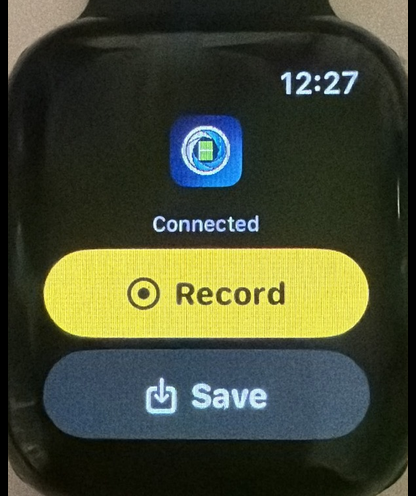
Point your iPhone at the court and tap Record. You can also say “Record” or start from your Apple Watch.
-
Replay
Tap Replay after the point. Scrub, skip five seconds, switch to Slow-Mo, or step one frame at a time.
-
Save
Tap Save, say “Save That”, or press Save on the Watch. The clip goes straight to Photos.
Built for the court
Every detail of the point.
- Up to 120 fps
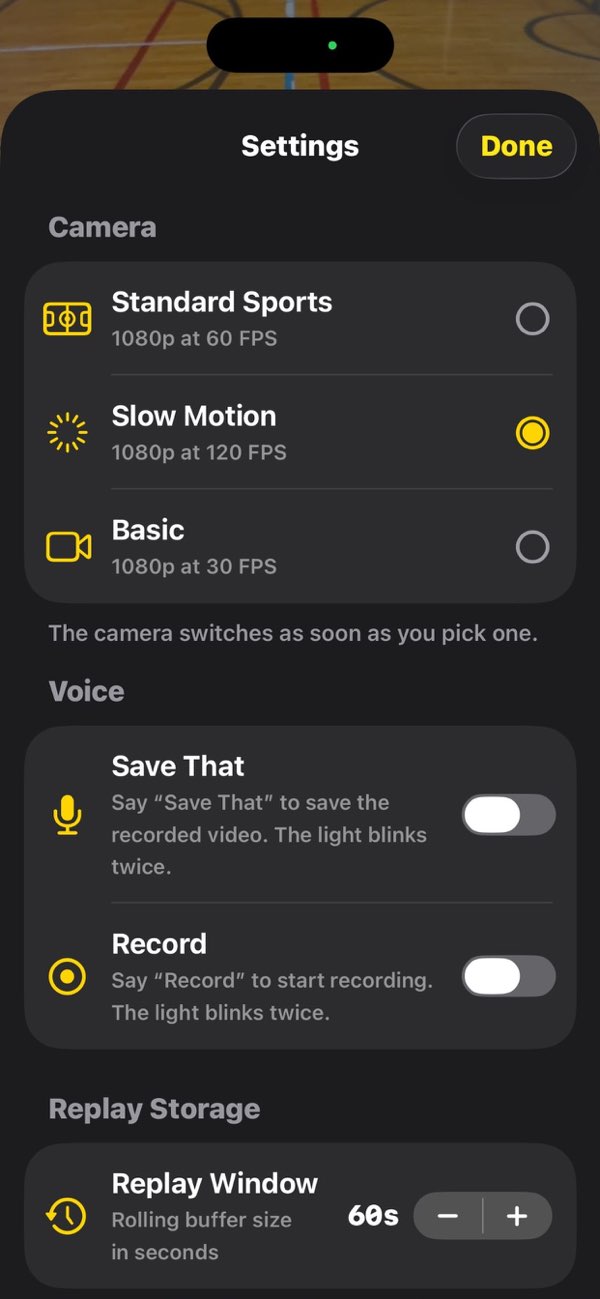
- Record 1080p at 30, 60, or 120 frames per second. Slow-Mo plays at quarter speed from wherever you are.
- Frame by frame
- Step one frame forward or back, or tap a nearby frame in the strip to jump straight to it.
- Hands-free
- Say “Record” or “Save That”. The flashlight blinks to confirm, so you never leave the baseline.
- Saves without limits
- Keep as many highlights as you like. No ads, no account.
Video never leaves this iPhone.
RallyCam does not upload your recordings. A clip goes to Photos only when you save it, and the App Store privacy label reads Data Not Collected. Voice commands use on-device recognition when your iPhone supports it; otherwise the audio is sent to Apple for recognition.
Support
Questions from the court.
Where do saved highlights go?
Into the Photos app on your iPhone, alongside your other videos. RallyCam asks only for permission to add to Photos, not to read your library.
How much does Replay keep?
The last 60 seconds by default. Change it in Settings under Replay Window, from 5 seconds up to 5 minutes.
Does the Apple Watch record video?
No. The camera is always the iPhone. The Watch starts and stops recording and saves the latest replay.
Voice commands don’t respond.
Turn on Record or Save That in RallyCam Settings. Then check that Microphone and Speech Recognition are allowed for RallyCam in the iPhone Settings app.
How do I save battery during a session?
The live preview runs at 30 fps until you tap Record, so leave Record off between games. The screen stays on while RallyCam is open, which keeps the camera from being cut off mid-rally.
Still stuck? Email jue.george@gmail.com.